A selection workstation — not just a viewer. Every feature exists to help you choose the right LUT faster.
The core design of LUTScope: keep normalization and creative grading strictly separate. Input LUTs bring Log footage to a standard color space (e.g. Log → Rec.709). Look LUTs apply the creative tone and color on top. This separation means you always evaluate Look LUTs on properly normalized footage, making comparisons reliable and problems easy to isolate.

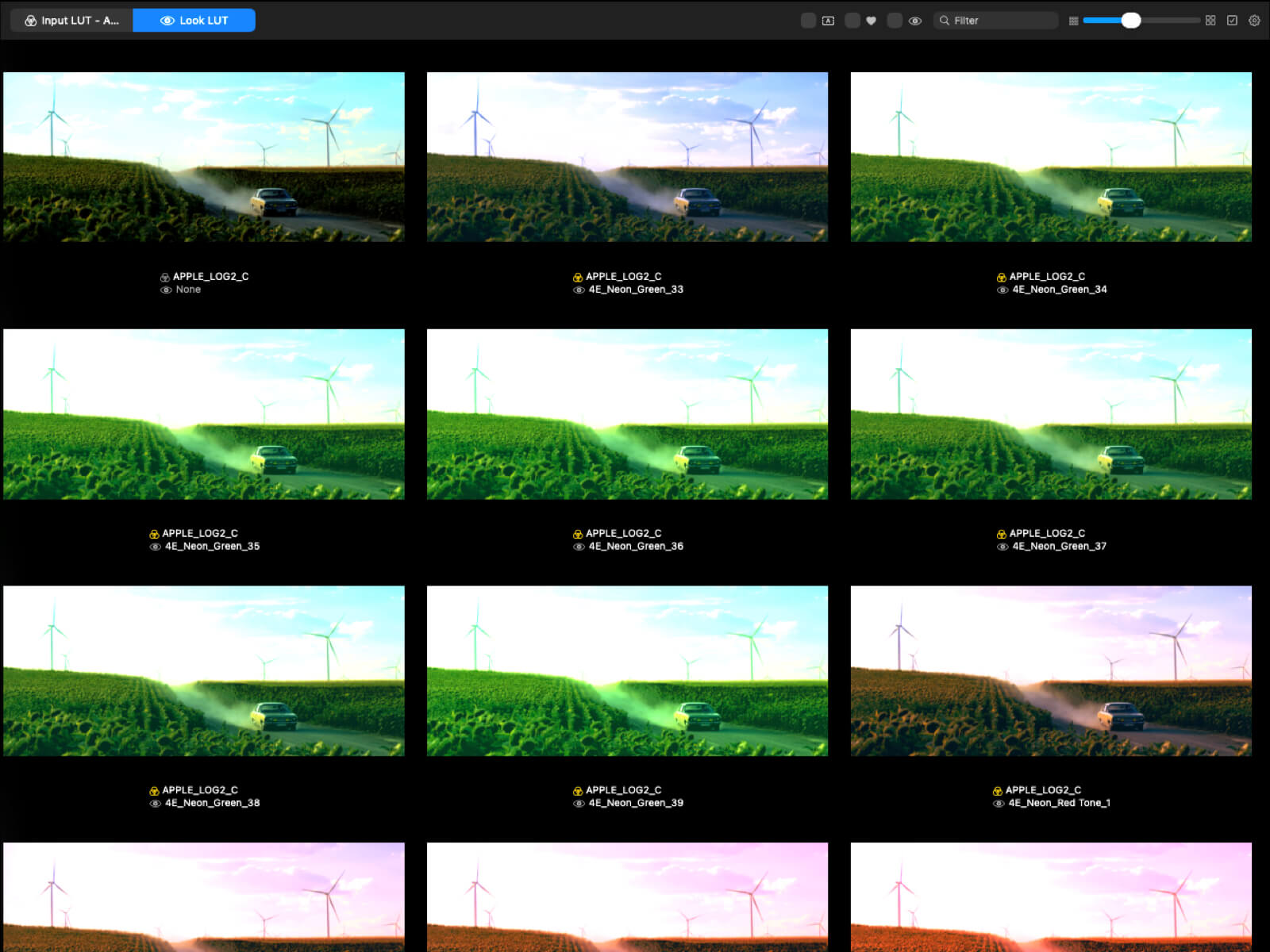
Drag & drop video or stills and see every LUT applied to your frame in a resizable grid. Auto-extract representative frames or manually seek to the exact moment. Point LUTScope at your LUT folders and it recursively scans every .cube file, loading them lazily so the app stays fast even with 1,000+ LUTs. Search, filter by favorites, and multi-select to batch-operate.
Assign up to 20 LUTs (slots A–T) to a dedicated Compare window for focused evaluation. Switch between Grid, Side by Side, and Slider display modes. Pin the window always-on-top so it stays visible while you work. The Look Intensity slider lets you dial the strength from 0 % to 200 % to find exactly the right balance.
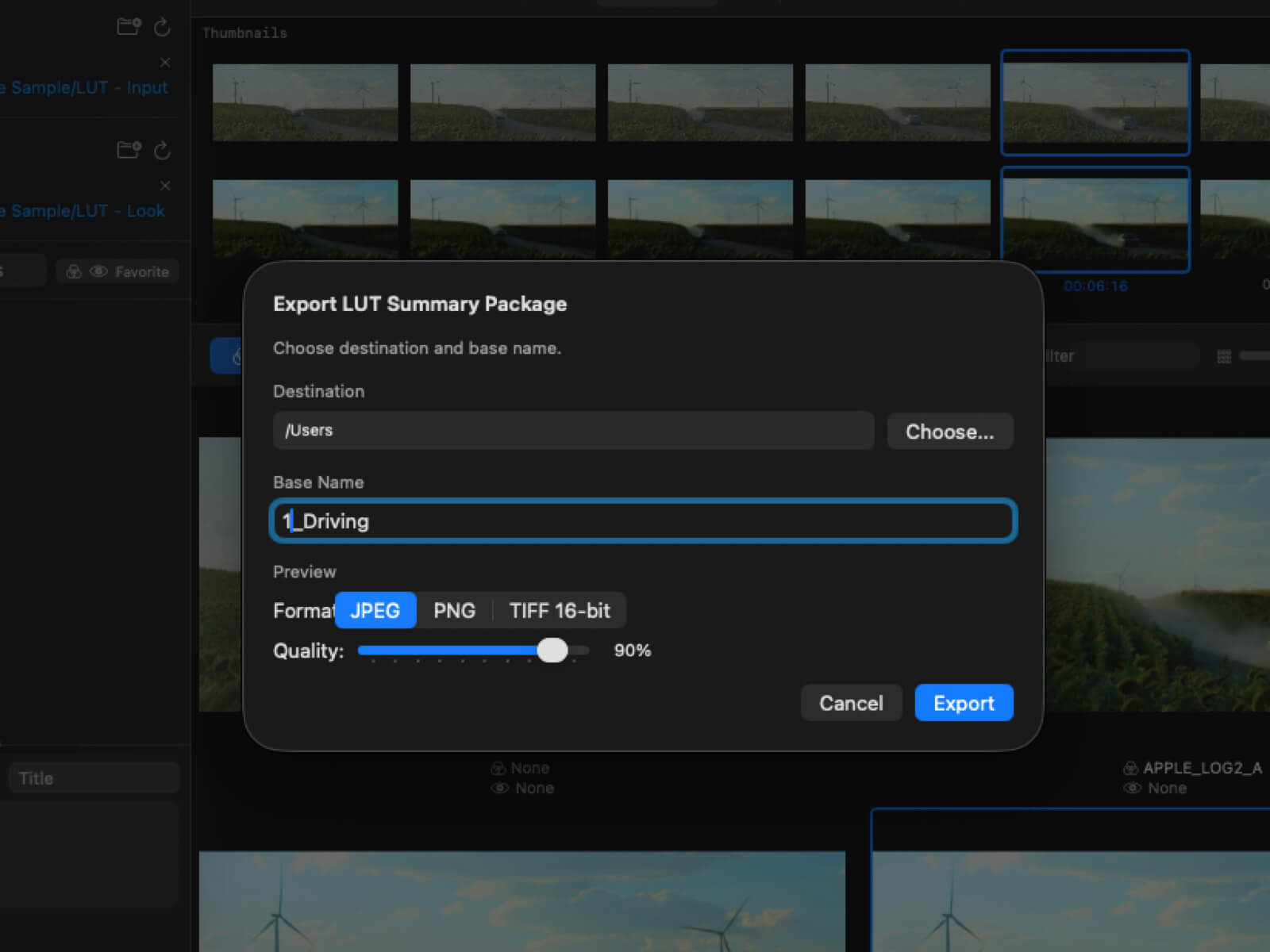
Your LUT decision is only useful if you can reproduce and communicate it. LUTScope exports full-resolution images in JPEG, PNG, or TIFF 16-bit — from both video and still image workflows — saves Input + Look presets for instant recall, and generates a readable text summary of your selections ready to share with your team.
LUTScope is an SDR-only, relative comparison tool. Unsupported formats are rejected at import.
LUTScope helps you choose the right LUT quickly through relative comparison. It is not designed for color-accurate monitoring, broadcast delivery verification, or final master QC.
One project is all it takes to pay for itself.